Category: iPhone

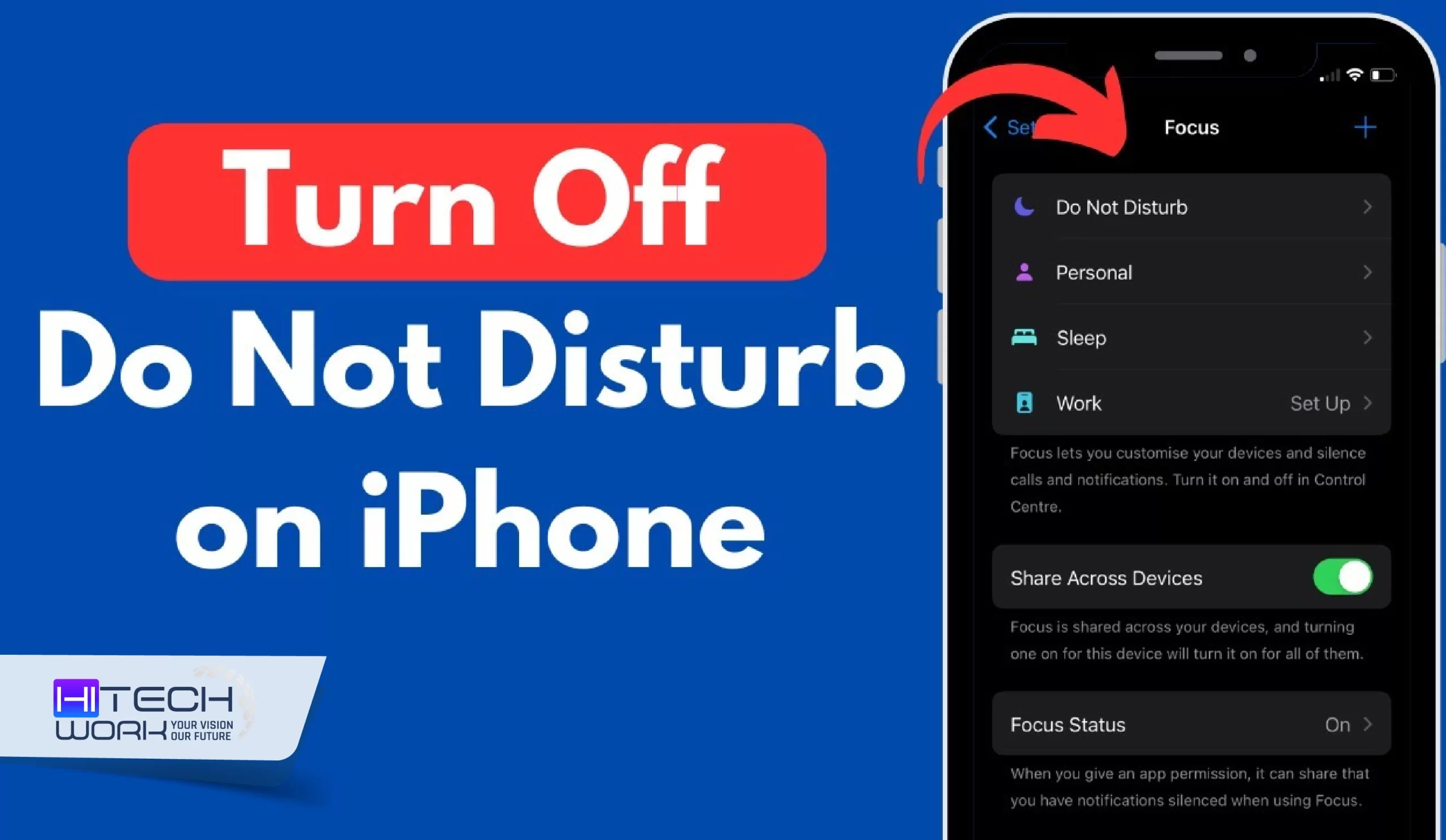
How to Turn Off Do Not Disturb on iPhone
How to
hitech work

How to Turn Off Do Not Disturb on iPhone (iOS 17 & Earlier)

Are you missing calls or texts because your iPhone is stuck in Do Not Disturb mode? Don’t worry, you’re not alone. Just like you, many iPhone users accidentally leave DND on. The good news is, turning it off only takes a few seconds once you know where to look. In
How to Screen Record on iphone 11
How to
hitech work

How to Screen Record on iPhone 11 (iPhone12 & 13)

Whether you have iPhone 11, 12, or 13, we brought you all three types of Screen recording methods on a single page. Yes, you can screen record anything you want just in case you watch informative content, actions you take, or the apps you run on your Screen, which cannot

How to Change My Card on iPhone
How to
hitech work

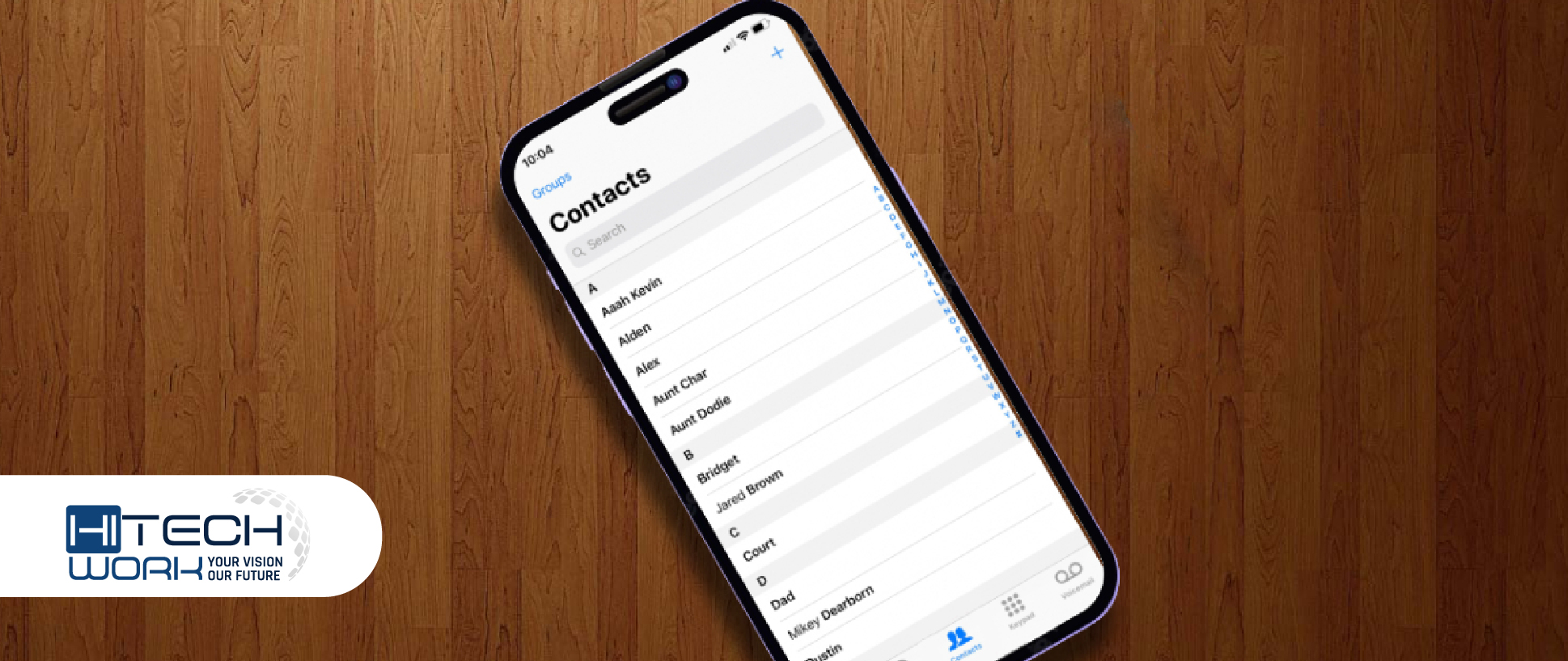
How to Change My Card on iPhone Contacts

The contacts app on your iPhone displays the My card option at the top left side of the contact page. It is basically your contact card with your number, address, and additional personal info. However, if you find that the card info shows incorrect details, you can straightforwardly change My

How to Change iPhone Avatar
How to
hitech work

How to Change iPhone Avatar (Quick Steps)

The iOS 13 update lets iPhone user change their Memoji or Avatar. However, a Memoji is a flawless way to express yourself well and release your inspiration, which is not just used for Apple ID photos but also used as animated emoticons in iMessage chat. If you want to know