
Category: How to

how to turn on Grid on iphone camera
How to
hitech work

How to Turn on Grid on iPhone Camera

You can Turn on the grid line on your iPhone camera to take amazing photos. Don’t worry if you don’t know how to turn on Grid on the iPhone camera. We will walk you through how to do it on your iPhone. Apple has made iPhone’s photography one of its
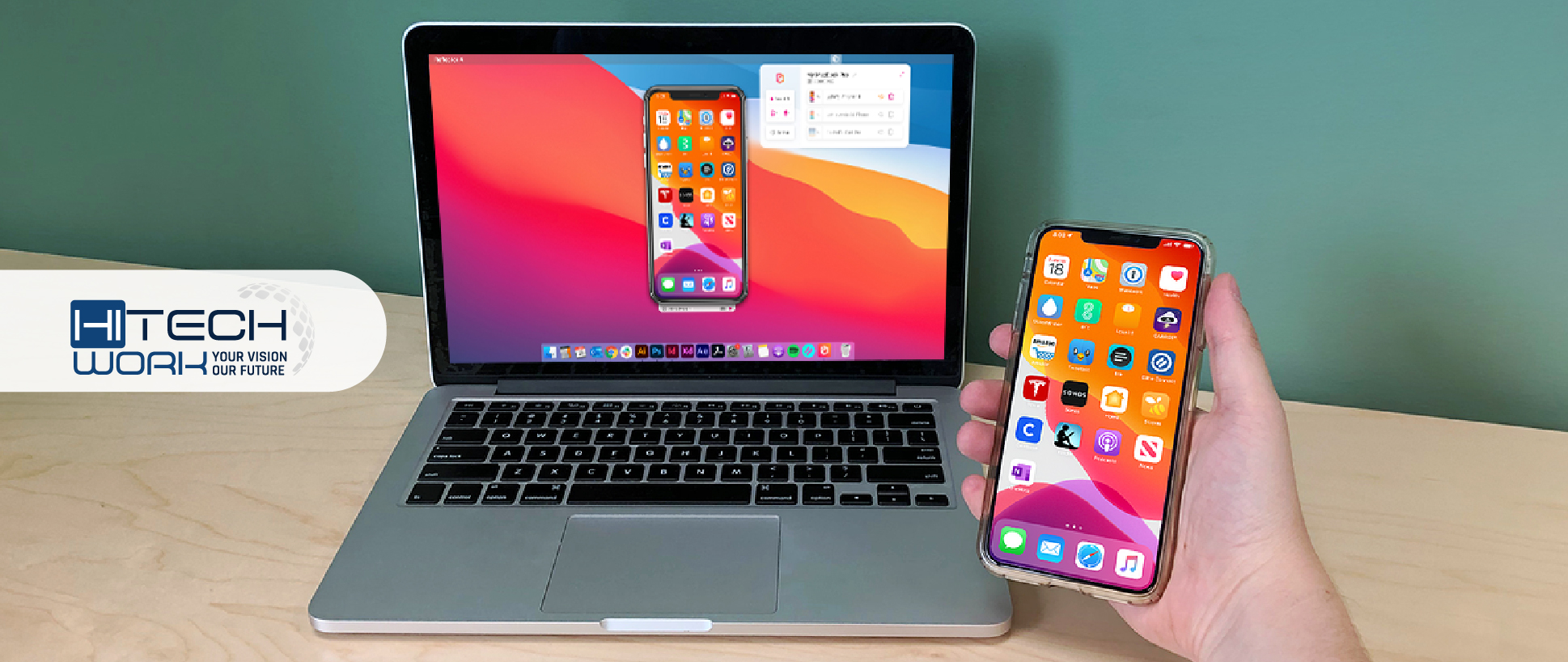
How to Screen Mirror from iPhone to MacBook
How to
hitech work

How to Screen Mirror from iPhone to MacBook

iPhone users are luckiest to have a wide range of customization options and built-in features like screen mirroring apps. Such connectivity capabilities make iOS distinct from others. So if you’re looking for a way that explains how to Screen Mirror from iPhone to MacBook, you’ve landed at the right place.

how to turn off vibration on iphone
How to
hitech work

How to Turn on/off Vibration on iPhone

If you are constantly irritated by vibrations and want to disable it on your iPhone. Fortunately, you can easily turn off the vibration on your iPhone by following this guide. Vibration on iPhone is turned on by default, irrespective of whether the device is in silent mode. It means your

Windows 11 Beta Build Features
How to
hitech work

Windows 11 Beta Build Features New Gallery Photo View in File Explorer

Microsoft has launched a new feature for Windows 11 developer preview that makes viewing images in Windows File Explorer quicker and easier. In this preview proclamation, users can view their Photo app image library by perusing files and folders within the file explorer. Microsoft summons this new feature Gallery. However,