We have all been there. You are sitting by the pool, washing dishes, or maybe you just got caught in a sudden rainstorm. Suddenly, you look down at your smartphone and see that dreaded notification: “Liquid detected in charging port.”
Your heart sinks. You need to charge your phone, but the device is telling you it is too dangerous to plug it in. At this time, you must know how to get water out of charging port areas. If you do it correctly, your phone will be back to normal in a few hours. If you do it wrong, you could permanently damage it.
In this guide, we are going to walk through the safest, easiest, and most effective ways to dry out your phone.
Why is Water in the Charging Port a Problem?
Before we dive into the solution for how to get water out of charging port, let’s talk about why your phone is complaining. Inside that tiny hole where you plug in your charger, there are small metal pins. These pins carry electricity from your cable into your battery.
Water conducts electricity. If those pins are wet and you plug in a charger, the electricity can jump between the pins in ways it isn’t supposed to. This is called a “short circuit.” It can fry the internal parts of your phone, making it impossible to charge ever again. This is why getting water out of charging port openings is so important for your device’s health.
How to Get Water Out of Charging Port Safely
If your phone is giving you a liquid warning, follow these simple steps. This is the gold standard for how to get water out of charging port safely.
Step 1: Turn Off the Device
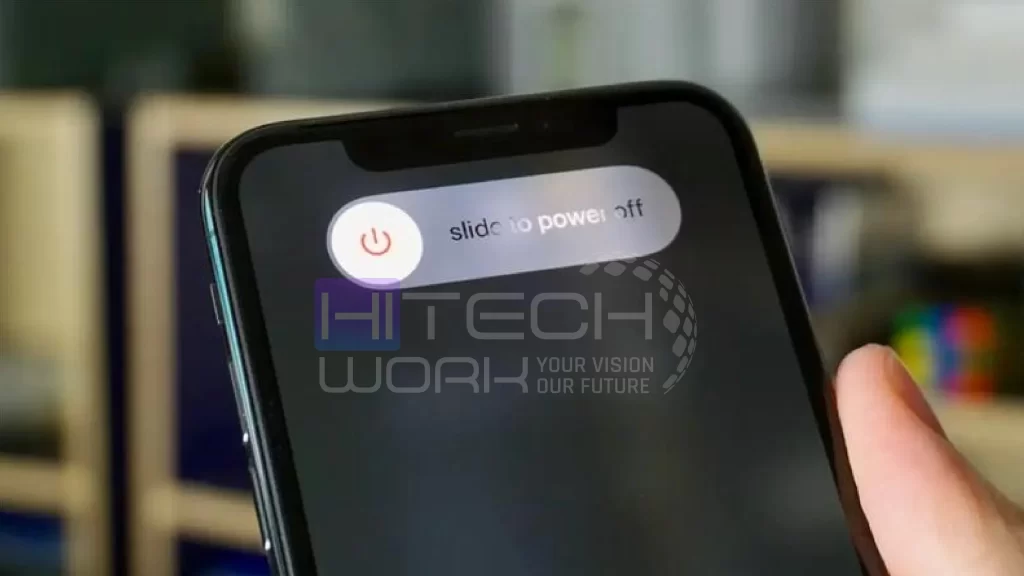
The very first thing you should do is power down your phone. If the phone is off, there is no electricity running through those wet pins, which reduces the chance of a short circuit.
Step 2: Tap it Gently

Hold your phone with the charging port facing downward. Gently tap the phone against the palm of your hand. This uses gravity to encourage the largest drops of water to fall out. Do not hit it against a table or a hard surface; your hand is soft enough to be safe.
Step 3: Let it Air Dry
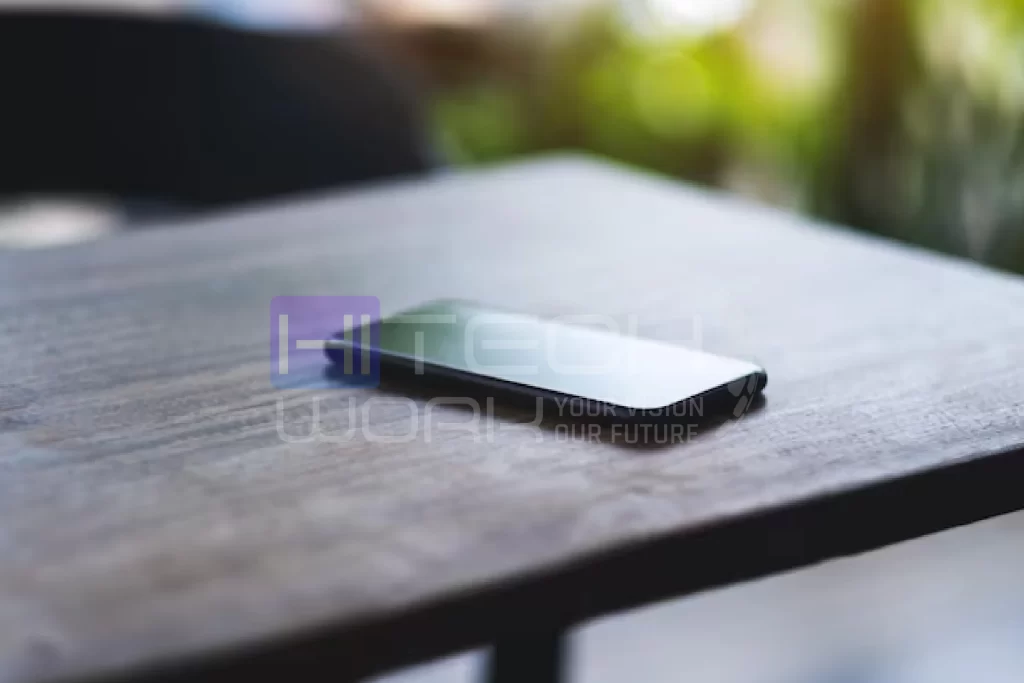
The best tool for fixing a wet phone is actually just time and air. Place your phone on a flat surface in an area with good airflow. If you have a fan, you can point it directly at the charging port. The moving air will help the water evaporate much faster than still air.
Step 4: Use Silica Gel Packets
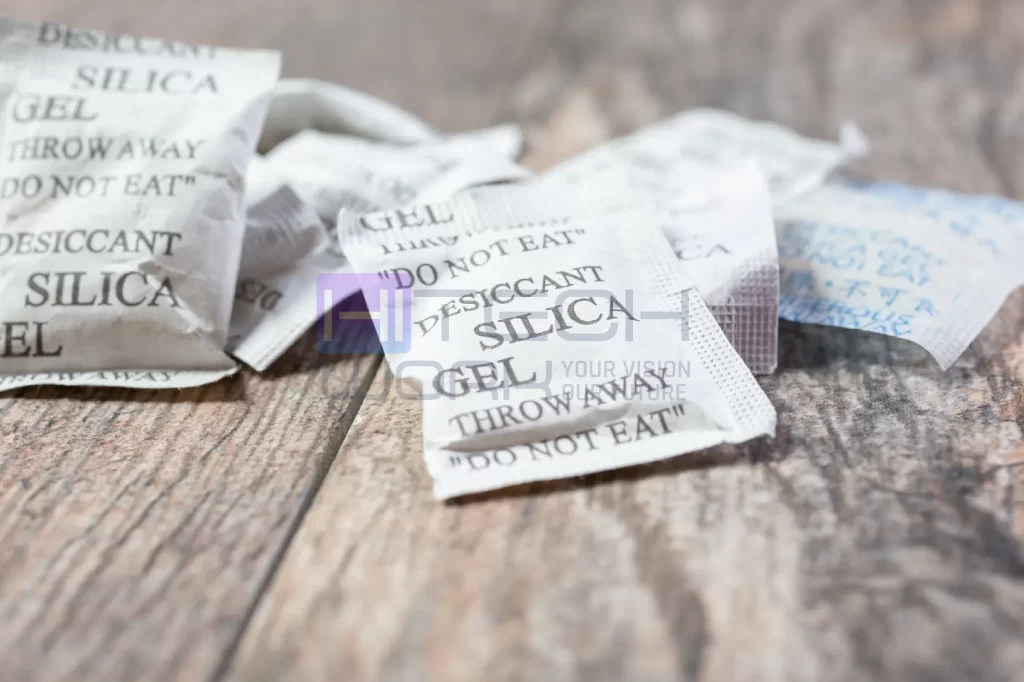
You know those little packets that come in new shoe boxes or bags of beef jerky? Those are called silica gel packets, and they are designed to soak up moisture. If you have a few of these, place them around the charging port area. They are much safer and more effective than rice.
How Long Does it Take?
Patience is the hardest part of learning how to get water out of charging port safely. Most experts recommend waiting at least 4 to 5 hours before trying to plug your phone in again. If the “Liquid Detected in Lightning Connector” or “Liquid Detected in USB-C Connector” warning is still there, you should wait a full 24 hours.
It might feel like an eternity to be without your phone, but it is much better than having to buy a brand-new one because you rushed the process.
What NOT to Do
When people get their phones wet, they often panic and try things they saw in old movies or heard from a friend. Most of these “hacks” are actually bad for your phone.
Place the phone in the Direct Sunlight
If you put your phone in direct sunlight, your phone becomes overheat and cause more damage. However, you can dry your phone in warm weather, but you should avoid exposing it to extreme temperatures.
The Rice Myth
You have probably heard that you should put a wet phone in a bowl of rice. While rice does absorb some moisture, it is not very efficient. Even worse, tiny grains of rice or “rice dust” can get stuck inside the charging port. This creates a mushy mess that is even harder to clean out than water.
Using a Hair Dryer
You might think that heat will evaporate the water quickly. However, smartphones are held together by delicate glue and plastic parts. The high heat from a hair dryer can melt the glue that keeps your phone waterproof or damage the screen. Never use a hair dryer or put your phone in the oven or microwave.
Shaking the Phone Violently
If you shake your phone too hard, you might actually push the water deeper into the internal parts of the device. You want the water to come out, not go further in.
Poking it with Q-tips or Tissues
It is tempting to stick a piece of paper towel or a cotton swab to clean the charging port. The problem is that these materials can break off. You might end up with wet lint stuck deep inside the port, which prevents the charger from making a solid connection later.
Tips for iPhone and Android Users
Both iOS and Android have built-in safety features to protect your phone from water.
For iPhone Users
If you have an iPhone, you might see a message that says “Liquid Detected in Lightning Connector” or “Liquid Detected in USB-C Connector.” Apple gives you an option called “Emergency Override.” Do not use this unless it is a life-or-death situation. This override allows electricity to flow even if it’s wet, which can cause permanent damage.
For Android Users
Samsung and Google Pixel phones usually show a water drop icon in the notification bar. Sometimes, even after the port is dry, the software “remembers” the moisture. If you are sure it is dry but the warning won’t go away, you can sometimes fix this by clearing the “USB Settings” cache in your phone’s app settings. However, only do this if you are 100% sure you have mastered how to get water out of charging port and the device is bone dry.
What if it Was Saltwater or Juice?
If you dropped your phone in the ocean or spilled a soda on it, the situation is a bit different. Salt and sugar are “corrosive.” This means that even after the water dries, the salt or sugar stays behind and starts eating away at the metal pins.
In this specific case, you actually need to clean the port before drying it.
- Turn the phone off.
- Use a tiny bit of distilled water or 99% isopropyl alcohol (rubbing alcohol) to rinse the port.
- The alcohol evaporates very quickly and helps remove the sticky residue or salt.
- Follow the drying steps mentioned earlier.
Knowing how to get water out of charging port when the liquid is sticky is a bit more advanced, but the goal is the same: get the contaminants out so the metal stays clean.
Can I Use Wireless Charging?
One of the best “cheats” for a wet charging port is wireless charging, you know, charge your phone without a charger. If your phone supports wireless charging (Qi charging), you can still power up your battery while the port is drying. Since wireless charging uses magnets and coils instead of physical metal pins, it is perfectly safe to use even if the port is wet. Just make sure the back of the phone is dry before placing it on the charging pad.
How to know that Your Phone Has Water Damage
Sometimes, despite your best efforts in learning how to get water out of charging port, some moisture might have reached the inside. Here are some warning signs to look for:
- The screen looks foggy: This means there is moisture trapped behind the glass.
- The speakers sound muffled: Water might be sitting on the speaker grill.
- The phone gets very hot: This could be a sign of a small short circuit.
- The camera lens has bubbles: This is a clear sign that water got deep into the hardware.
If you see these signs, it might be time to take the phone to a professional repair shop.
FAQs
Can I use a vacuum cleaner to suck the water out?
It is not recommended. A vacuum cleaner can create static electricity, which can destroy the sensitive electronics inside your phone.
Is it okay to use a toothpick to clean the port?
If you see a piece of lint that is holding onto water, you can very gently use a wooden or plastic toothpick. Never use anything metal (like a paperclip or a needle), as metal will scratch the pins and cause permanent damage.
Why does my phone say there is water, but I haven’t been near any!
Sometimes, high humidity (like a very humid summer day) can trigger the moisture sensor. If this happens, follow the drying steps anyway. The sensor is very sensitive, and it is better to be safe than sorry.
Can I use compressed air to get liquid out of the charging port?
You can, but be careful. If you spray it too close or too hard, the pressure can actually force the water deeper into the phone. Hold the can at least 6 inches away and use short bursts.