Have you ever pressed the power button on your Nintendo Switch, and… nothing? The feeling of disappointment grows when gamers encounter this situation.
If you have asked yourself, why won’t my Nintendo Switch turn on then read this guide to find the reasons to identify the problem and get fixes to restore your gaming experience.
What is Nintendo?
The Japanese gaming company Nintendo has achieved global recognition through its development of consoles and games, which players around the world enjoy. From its classic games Super Mario and The Legend of Zelda to its current Nintendo Switch system, Nintendo develops entertainment products that provide enjoyable and innovative experiences for families. The company has designed its consoles to provide an easy and enjoyable gaming experience that users can access at home or while traveling.
Why Won’t My Nintendo Switch Turn On? 6 Reasons
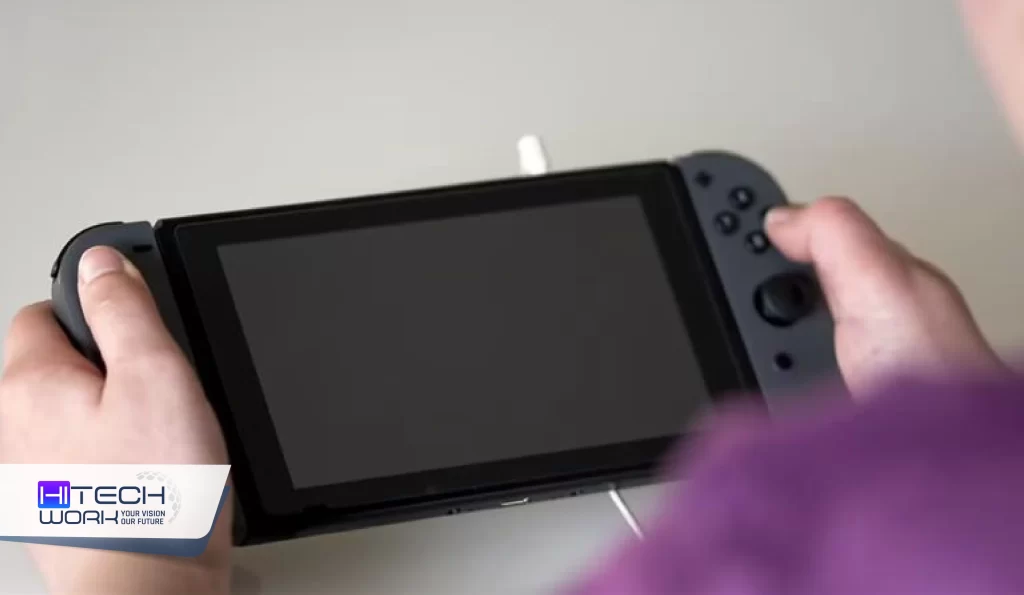
Before jumping into the fixes, it helps to understand why your console might be unresponsive. Here are the most common reasons for why won’t my Nintendo Switch turn on.
1. Fully Drained Battery
If the Switch is left dead for a long time, the battery goes into a “deep discharge” state and won’t show the charging icon immediately.
2. Frozen Software
Sometimes the console is actually on, but the operating system has frozen on a black screen.
3. Faulty Charger or Cable
A damaged power brick or a non-Nintendo USB-C cable may fail to deliver enough power to wake the console.
4. Damaged Charging Port
Dirt, lint, or bent pins inside the USB-C port can prevent the system from receiving a charge.
5. Damaged Power Button
If the power button is physically broken or stuck, the system will not be able to trigger the power-on sequence.
6. Faulty Motherboard
Internal hardware issues or a short circuit on the motherboard can prevent the console from receiving power or booting up.
How to Fix a Nintendo Switch that Won’t Turn On
1. Check the Battery
The most common cause for why won’t my Nintendo Switch turn on is a drained battery. This is more common than you think, especially if you haven’t charged your Nintendo Switch in a while. Plug your Nintendo Switch into its original charger and leave it for at least 30 minutes before trying to turn it on again. If your Nintendo Switch still won’t turn on, proceed with the next step.
2. Try a Hard Reset
The console freezes at times. To do a hard reset:
- Press and hold the Power button for 12 to 15 seconds.
- Then release the Power button and press it again.
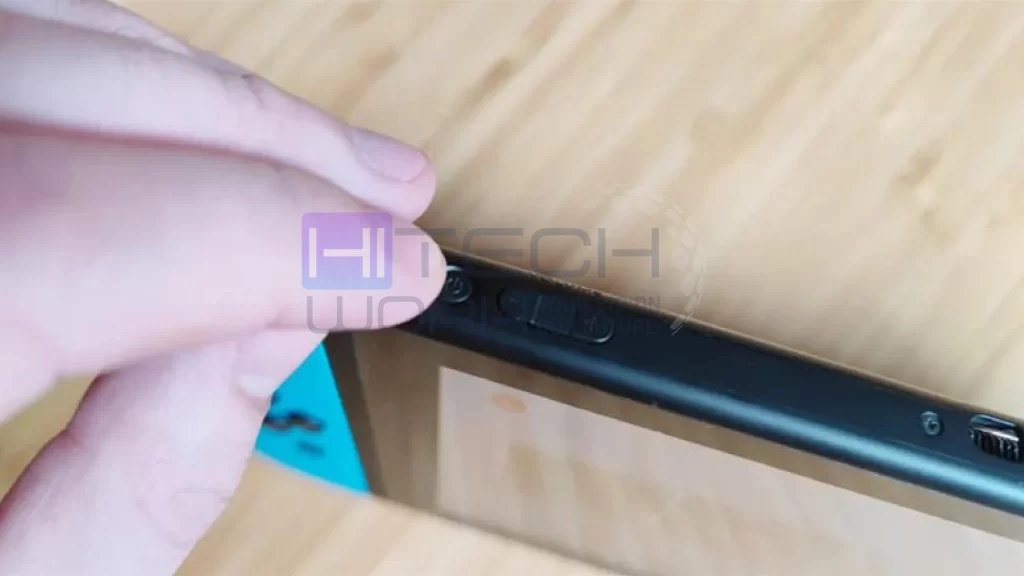
The simple trick solves the “why won’t my Nintendo Switch turn on” problem because it works without any tools.
3. Check the Charger and Cable
Your Switch will not turn on when you use a defective charger or cable. The official Nintendo Switch charger needs to be used for your device. A third-party charger will not provide sufficient power to your device. The issue will be resolved after you test different cables and chargers.
4. Look for Screen Issues
At times, your Switch device shows power, but its display remains completely dark. To check:
- Press the Home button or connect the Switch to your TV using the dock.
- If the TV shows the game, the issue may be with the screen, not the power.
This explains why some users think, “Why won’t my Nintendo Switch turn on?”, when actually, it’s just a display problem.
5. Update System Firmware (if possible)
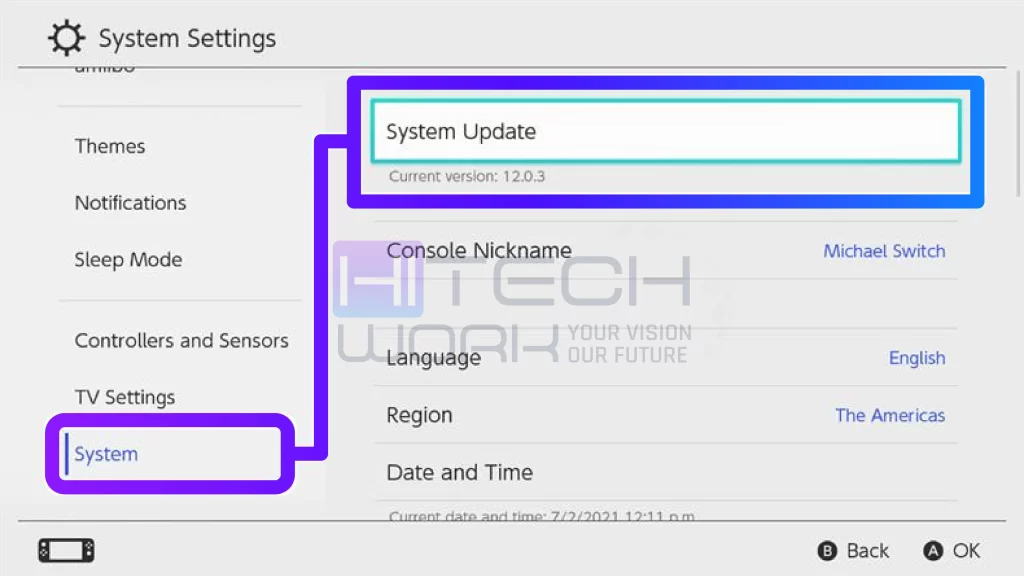
System updates sometimes fail to complete, which leads to a situation where your console becomes unresponsive. The problem will be fixed by connecting your Switch to Wi-Fi and performing a firmware update when the device turns on but fails to boot.
6. Check the Hardware Components
The system will fail to work if all previous solutions fail because this problem indicates a hardware malfunction. Your Switch console will not turn on because internal components have been damaged by dust, water, and internal system failures. Your best option requires you to contact Nintendo support or go to a certified repair center.
FAQs
Q1: Why won’t my Nintendo Switch turn on after charging?
Ans: It could be a faulty charger, a dead battery, or the system might be frozen. Try a hard reset or use a different official charger.
Q2: Can a black screen mean my Switch is dead?
Ans: Not necessarily. The console might be on, but the display could be faulty. Connect it to a TV to check.
Q3: How long should I charge my Switch before it turns on?
Ans: At least 30 minutes with the original charger is recommended. If it doesn’t turn on after that, try a hard reset.
Q4: Can moisture damage prevent my Switch from turning on?
Ans: Yes. Exposure to water or high humidity can affect the internal circuitry. In such cases, professional repair is necessary.
Q5: Is it safe to open my Switch to fix it myself?
Ans: It’s not recommended. Opening the console can void your warranty and cause more damage. Always go to a certified repair service.
Q6: Why is my Nintendo Switch screen black but still on?
Ans: If your Nintendo Switch screen is black but still on, it means it produces sound. Well, it happens due to the frozen system, deep battery drain, or a failed backlight. However, in this situation, you force restart your Nintendo by holding the power button for 20 seconds. If that fails, then charge it for at least 30 minutes and check for backlight damage.
Conclusion
If you are stuck in a statutaion, Why Won’t my Nintendo Switch Turn On? You need to charge your device, perform a hard reset, and examine your cables. These basic steps will resolve most of your Nintendo Switch problems. The most secure option to address your situation requires you to seek professional assistance. The correct troubleshooting process will enable you to resume your gaming activities within a short time.