AI is becoming a big part of everyday life, and one of its most impressive features is voice cloning. Today, anyone can clone a voice within minutes without needing technical skills. Because of free AI voice cloning, students, creators, YouTubers, gamers, and businesses can easily generate realistic voices for their projects.
This technology allows you to produce speech that sounds close to a real human. Whether you want voiceovers for videos, audio for school projects, or fun experiments, free AI voice cloning gives everyone easy access to powerful AI tools.
In this guide, you’ll know the best free voice cloning tools you can start using right away.
What Is Free AI Voice Cloning?
AI voice cloning means using AI software that can copy a human voice without requiring payment. You upload a voice sample or choose an existing voice, and the AI generates new speech using that voice’s style, tone, and pitch. It works using:
- Machine learning
- Neural networks
- Text-to-speech (TTS) models
The AI studies the voice and recreates new sentences with similar sound and emotion.
8 Best Free AI Voice Cloning Tools
AI voice cloning tools make it possible to recreate a human voice using technology, which saves time and effort for people who work with audio content. Instead of recording again and again, creators can use these tools to generate voiceovers, narrations, or explanations in a consistent voice. Below are 8 free AI voice cloning tools explained in a natural and easy way.
1. ElevenLabs
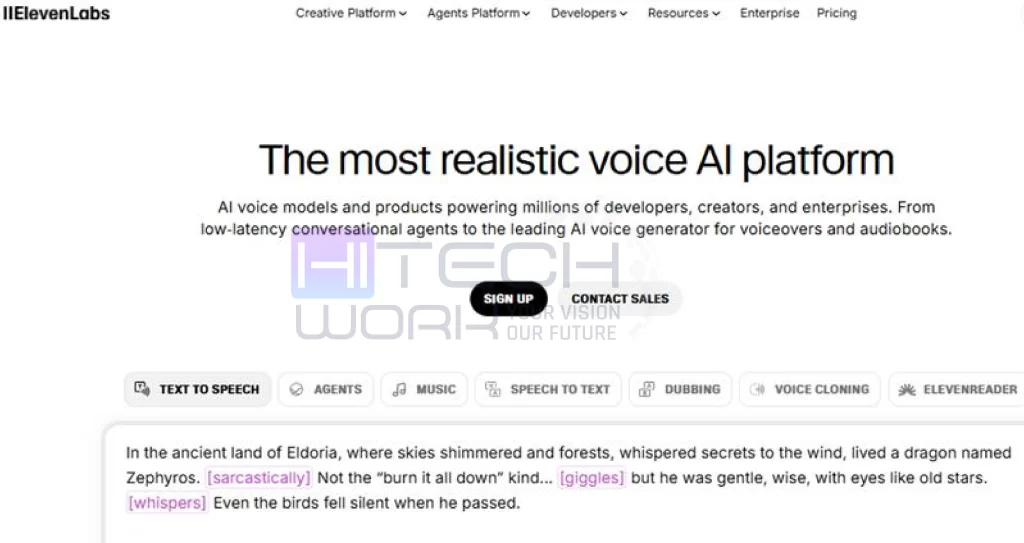
ElevenLabs is often the first choice for creators who want voices that sound close to real human speech. The voices feel natural, with proper emotion and flow, which makes them suitable for storytelling, YouTube videos, and audiobooks. It also supports different languages and accents, so creators from different regions can use it comfortably. The free plan has some limits, but it is more than enough to test the quality and understand how the platform works.
2. Meta Voicebox
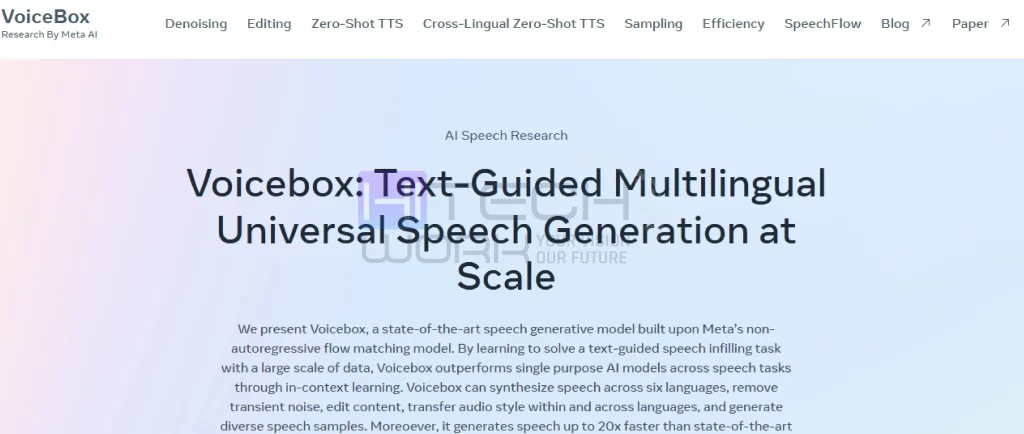
Meta Voicebox is a research-based free AI voice cloning model created by Meta. It focuses more on how accurately a voice can be copied and edited rather than on a flashy user interface. This text-to-speech software tool can also modify existing audio while keeping the same voice style. Since it is mainly for research purposes, it is free to access in open environments and is mostly used by developers and researchers.
3. Speechify Voice Cloning
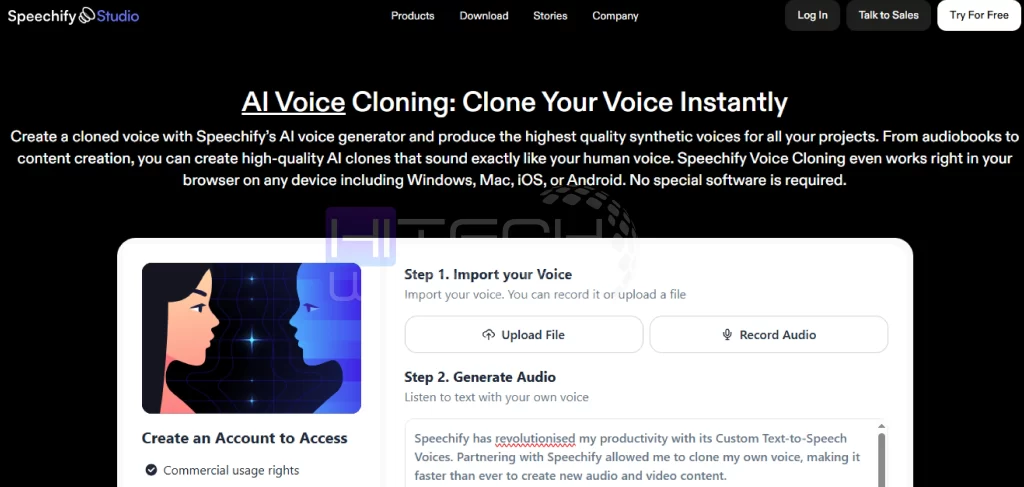
Speechify is a free AI voice cloning software that is widely known for its text-to-speech service, and its voice cloning feature follows the same simple approach. The tool works directly in the browser, so there is no need to install anything. It supports many languages and produces clear audio that sounds smooth and natural. The free version is useful for basic tasks like narration, reading content aloud, or small podcast projects.
4. Voice.ai
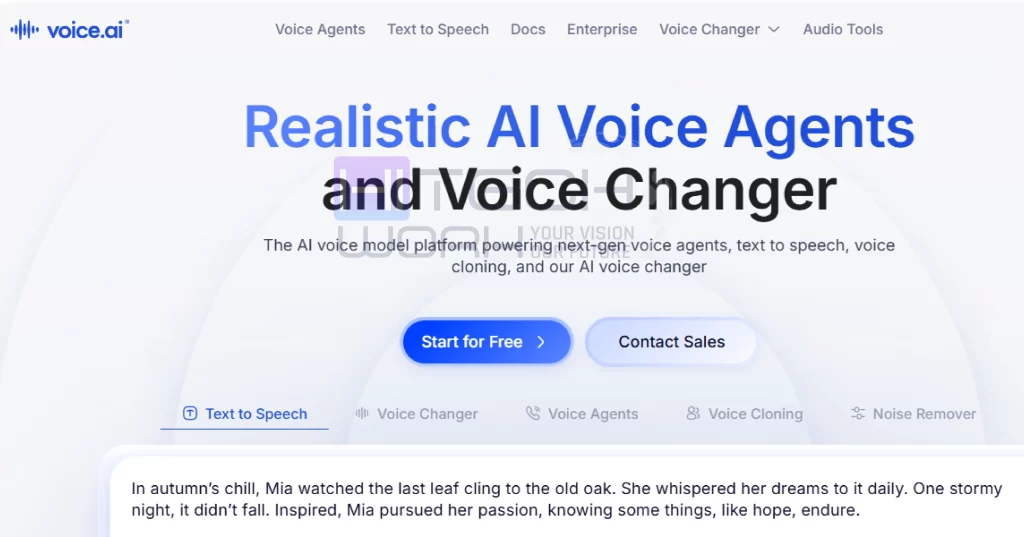
Voice.ai is a good option for people who want to experiment with voice cloning in real time. Users can upload a short voice sample or record one directly to create a cloned voice. It is commonly used by gamers and streamers who want to change or recreate their voice while speaking. The free version allows limited usage, but it is enough to understand how the tool performs.
5. Magic Hour AI Voice Cloner
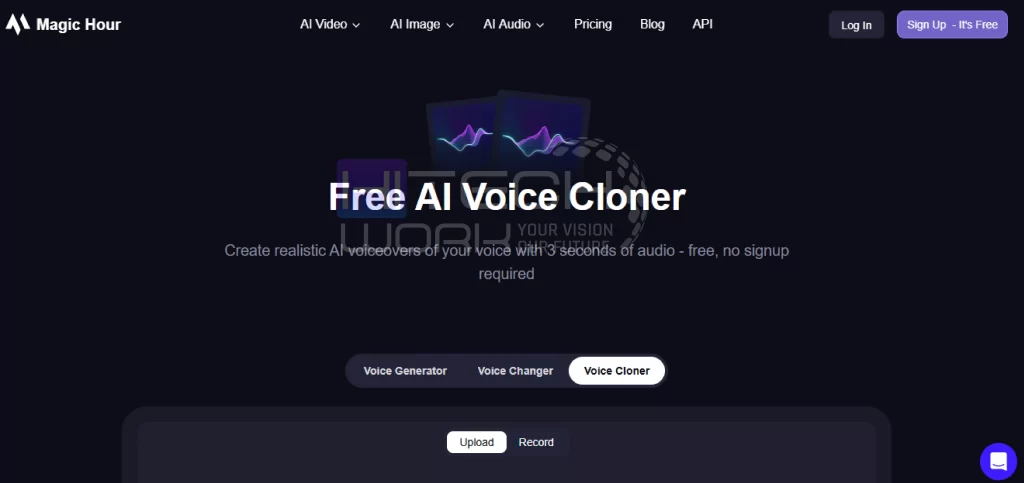
Magic Hour AI Voice Cloner is designed for quick and simple voice cloning. It does not require long recordings and can work with just a few seconds of audio. The interface is easy to understand, even for beginners who have never used voice cloning tools before. It offers limited free usage, which is helpful for short voiceovers or testing small ideas.
6. Vidnoz AI Voice Clone
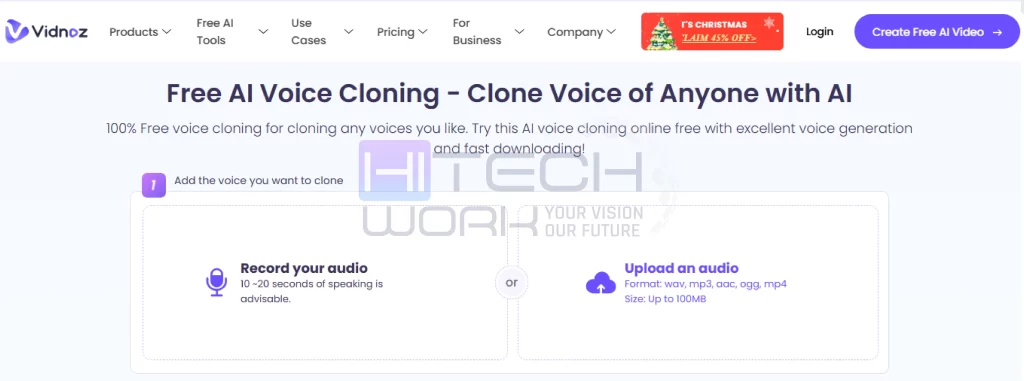
Vidnoz is a free AI voice Cloning tool for users who want voiceovers in different languages. The tool allows basic adjustments like changing speed or tone, which helps match the voice with video content. Since it works online, users can start right away without downloading software. The free version has some limits, but it still works well for short videos and small projects.
7. CapCut Voice Cloning Tool
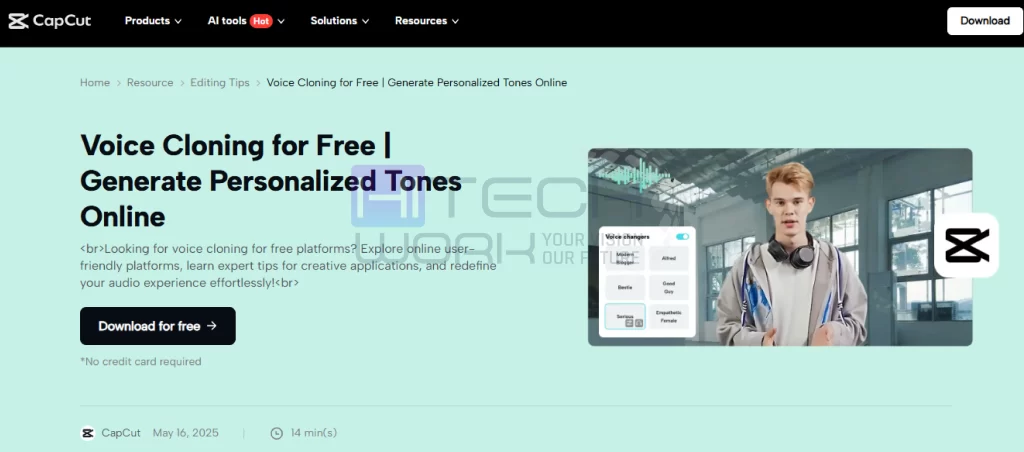
CapCut’s voice cloning feature is built directly into its video editing app, which makes it very convenient for social media creators. Instead of using separate software, users can generate AI voices while editing their videos. This AI software works on both mobile and desktop and is easy to use. The voice cloning option is available for free, which makes it popular among short-form content creators.
8. MiniMax Audio (Hailuo AI)
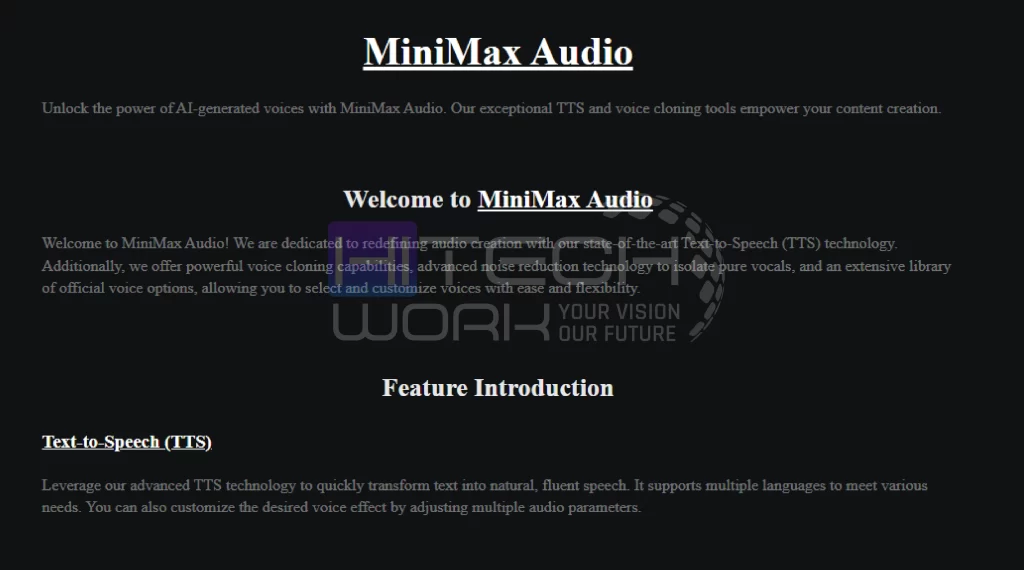
MiniMax Audio, also known as Hailuo AI, offers free AI voice cloning along with text-to-speech features. One of its biggest advantages is the daily free credits, which allow regular use without paying immediately. The voice quality is clear and natural, making it suitable for daily content like reels, shorts, or explanatory videos. It is a good choice for creators who publish content often.
FAQs
Q.1: Is AI voice cloning legal?
Ans: Yes, but only when cloning your own voice or using voices with permission.
Q.2: Do free tools sound realistic?
Ans: Some free platforms offer high-quality voices that sound natural.
Q.3: How much audio is needed to clone a voice?
Ans: Usually, 10–60 seconds is enough for basic cloning.
Q.4: Can I use AI-generated voices for YouTube?
Ans: Yes, AI voices can be used for YouTube as long as they are legally obtained.
Q.5: Do AI voice tools support other languages?
Ans: Yes, many tools support multiple languages for voice generation.
Conclusion
Free AI voice cloning has made voice technology available to everyone, letting beginners and creators produce high-quality voiceovers without spending money. Whether you’re making videos, school projects, podcasts, or fun content, this technology saves time and boosts creativity. As long as it’s used responsibly, AI voice cloning tools can open the door to exciting new possibilities in digital storytelling.