Do you ever feel that your YouTube videos aren’t getting the attention they deserve? No doubt it happens with every beginner, and many times it is not about the content idea; it is about the video editing.
Now the audience has lots of options; if your content does not look good in a few seconds, they will switch to another one immediately. It is all about how you present your content to the audience.
That’s where smart AI feature video editors like Wondershare Filmora come to help aspiring YouTubers. The right editing makes all the difference and brings more views and subscribers to your channel.
Let’s learn how Filmora helps to grow and monetize your YouTube channel.
Part 1: Understand the Fundamentals of YouTube Monetization
However, before you manage to use your channel as a source of income, you need to understand how YouTube monetization works.

To be accepted into the YouTube Partner Program (YPP), all creators must reach the following thresholds:
- 1,000 subscribers
- 4,000 watch hours in the past 12 months or 10 million Shorts views in 90 days
To achieve these figures, it is not about posting random videos. It is about creating content that people want to watch, share, and continue watching.
Common roadblocks that slow monetization:
- Posting the videos whose sound is not great, or it might be too jumpy, and the visuals act as distractions
- Ignoring subtitles, intros, and effects that bring in some professionalism
- Lack of consistent posting due to editing being deemed too time-consuming
The correct video editing solution helps you forget the technical headaches and instead gives you the liberty to indulge in developing content that grows your channel from the first day.
Part 2: Growing Your Channel with Filmora Video Editing Software
The fact is that anyone can post videos, but not everyone can maintain a viewership. Growth on YouTube is about presentation as much as it is about ideas.
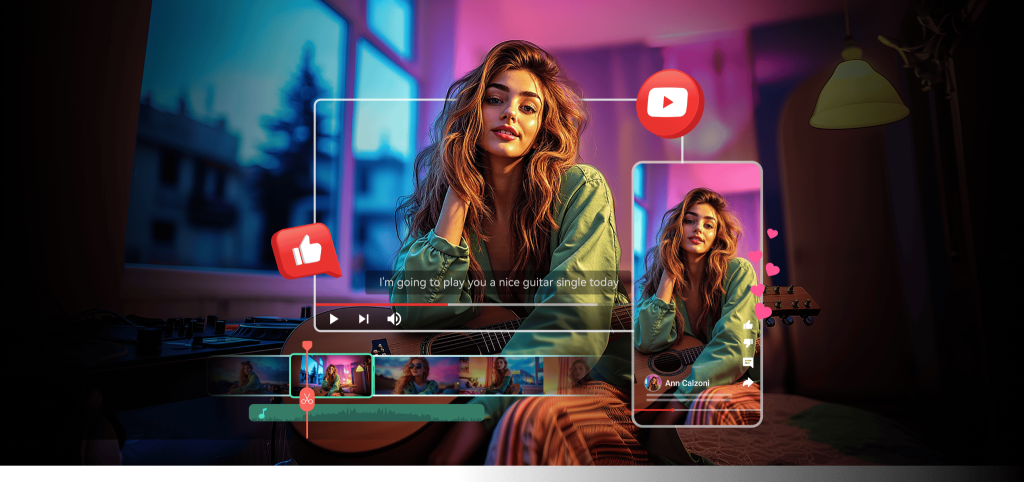
Wondershare Filmora gives creators an edge by combining professional-grade features with simplicity. No steep learning curves, no endless hours lost—it’s designed to help you grow faster.
- Smarter, Faster Editing with AI
Filmora is a complete video editor software for YouTubers. It brings more advanced and useful AI features to make videos more appealing. Filmora’s AI tools take care of the time-consuming work:
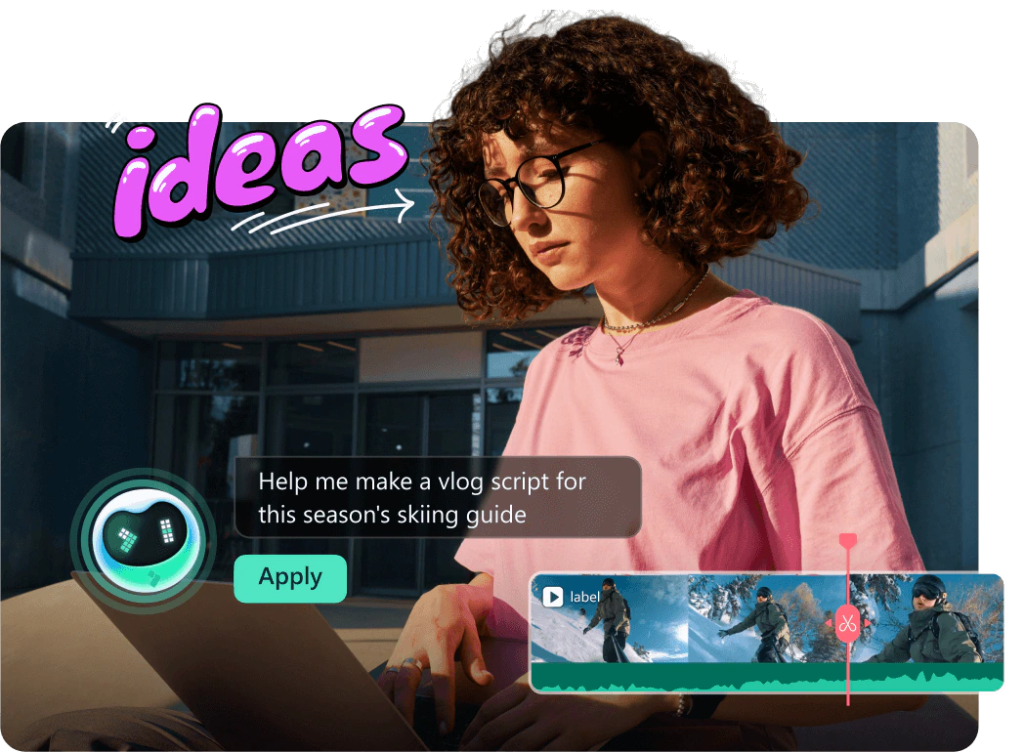
- AI Smart Cutout: Remove backgrounds without green screens. Perfect for tutorials, commentary, or reaction videos where you want creative backdrops.
- AI Audio Enhancement: Clean up buzzing fans, street noise, or echo instantly. The crisp sound keeps people watching.
- AI Auto-Captions: Most viewers scroll YouTube on mute. Auto-generated captions make your videos more engaging and accessible.
These features save hours and directly boost retention, two things the algorithm loves.
- Built-In Templates & Effects That Keep You Trendy
Trends move fast on YouTube. Wait too long, and you’ve missed the wave. Filmora helps you keep up with an entire library of ready-made templates, transitions, and effects.

Want your vlog to feel cinematic? Gaming video to pop with overlays? Product demo to look polished? With Filmora, you can do it in minutes instead of days, helping you upload consistently and stay relevant.
- Audio That Keeps Viewers Hooked
Viewers forgive average visuals, but they won’t tolerate bad audio. Filmora not only fixes background noise but also offers a huge library of royalty-free tracks and effects.
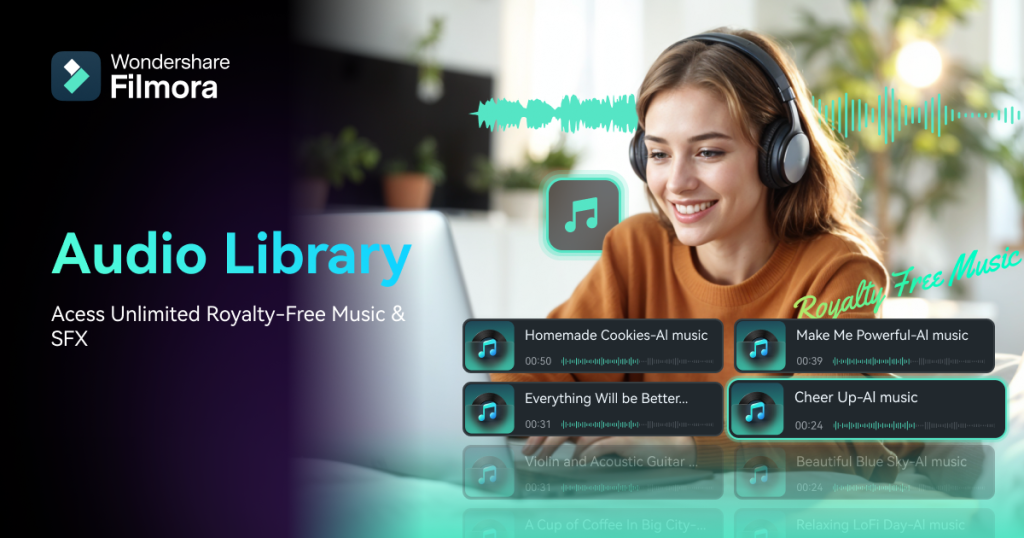
That means no copyright issues and no awkward silence—just professional, polished sound that keeps people engaged.
- AI Image-to-Video for Creative Storytelling
This feature is revolutionary for content creators. Filmora now has an AI Image-to-Video tool (powered by Veo 3). Rather than unappealing slides, you can turn still pictures into dynamic animated videos.
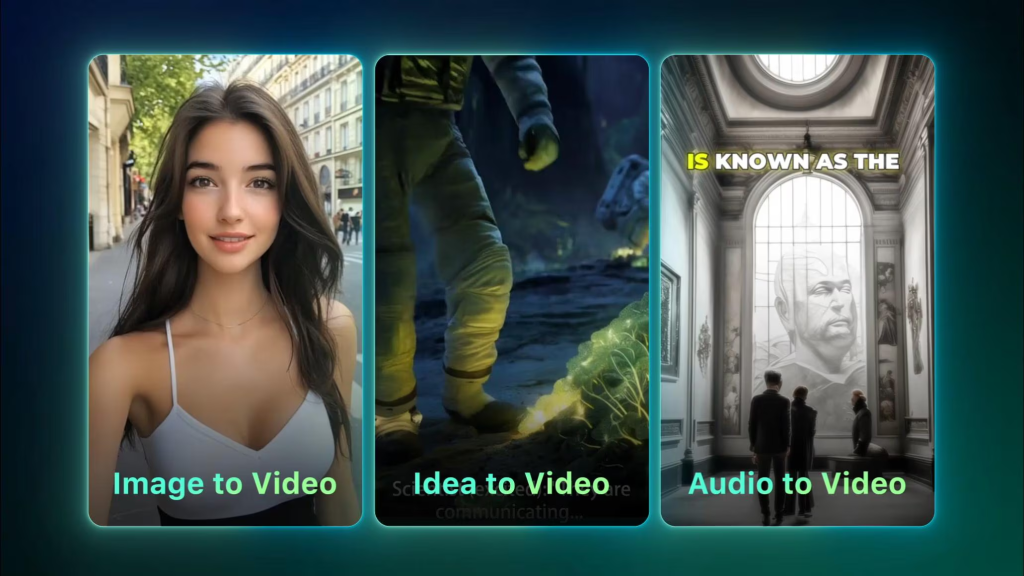
Suppose you spin:
- Product photos into mini-promos
- Travel shots into vlog-style reels
- Infographics into YouTube Shorts
Briefly, this allows you to produce more content without using new footage, a great situation to have consistency and grow.
The bottom line? Filmora lets you craft content that is in sharp focus, sounds crystal clear, and feels engaging. And on YouTube, that’s what keeps viewers glued and subscribers coming back for more.
Part 3: Filmora Video Editing Hacks to Boost Earnings
- Hook the viewer: Hit them with a great intro and use interesting cuts to capture the viewer’s attention within 10 seconds.
- Include branded intros and outros: Filmora has templates that allow creating a professional branding on the video to invite subs and likes.
- Convert to Shorts: Reformat your longer videos to Shorts to achieve additional views and ad earnings.
- Bulk edit to be consistent: Edit more than one video at a time so that you can keep to a consistent upload schedule (that is a big plus to the algorithm).
Such minor adjustments can go a long way when it comes to the number of dollars you earn through your channel.
Conclusion
Being successful on YouTube is not only about having a record; it is about presenting content that makes the viewer want to watch more. A Filmora video editor can make it happen, even without years of editing experience. Whether it is AI-enabled shortcuts or artful templates and image-to-video storytelling, Filmora on PC provides you with the means to grow, monetize, and make your passion profitable.